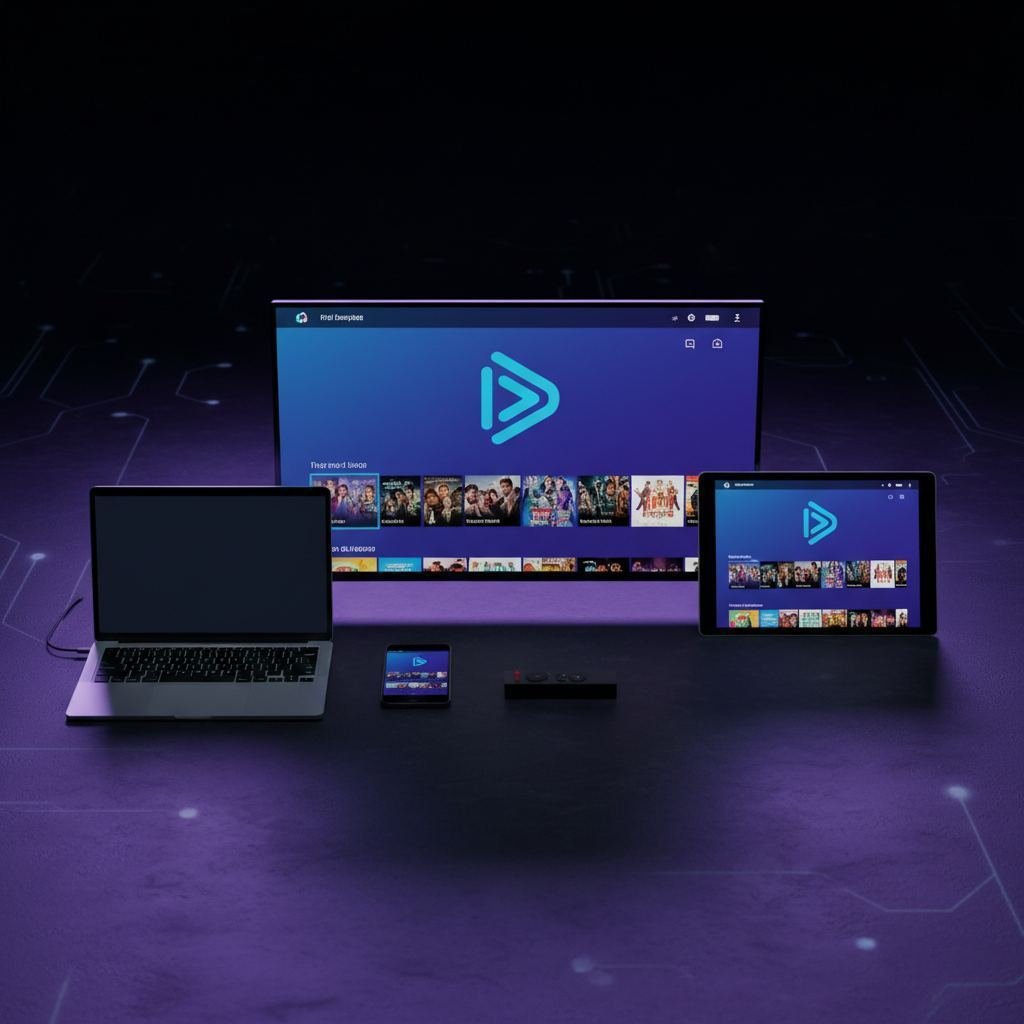
IPTV Smarters Pro: Complete Guide to Installation and Setup 2026
IPTV Smarters Pro is the world's most popular IPTV app. Learn how to download it on Android, iPhone, Smart TV and PC and set it up in 5 minutes.
What is IPTV Smarters Pro?
IPTV Smarters Pro is one of the most downloaded IPTV players in the world, available for free on Android, iOS, Windows, Mac and Smart TV. It supports both M3U format and Xtream Codes API, making it compatible with virtually any IPTV subscription on the market.
Developed by Smarters Technology, the app has millions of active users worldwide. Its popularity comes from its clean interface, stability and simple setup — even for non-technical users.
Compatible devices
- Android: smartphones, tablets, Android TV Box, Nvidia Shield
- Amazon Firestick and Fire TV Cube
- iPhone and iPad: iOS 13 or later
- Smart TV: Samsung (Tizen), LG (webOS), Android TV
- Windows PC: desktop version available
- Mac: macOS version available
How to download IPTV Smarters Pro
On Android
Open the Google Play Store, search for "IPTV Smarters Pro" and install the app. If it is not available in your region, download the APK directly from smartersplayer.com and enable "Unknown sources" in your security settings.
On Amazon Firestick
Use the Downloader app to get the APK from the official site, or find IPTV Smarters Pro directly in the Amazon Appstore.
On iPhone and iPad
Open the App Store, search for "IPTV Smarters Pro" and download the free app. The iOS version supports AirPlay and Picture-in-Picture.
On Samsung and LG Smart TV
Search in the Samsung Smart Hub or LG Content Store. For unsupported models, an Android TV stick is a reliable alternative.
On Windows PC and Mac
Visit smartersplayer.com, choose your platform and follow the installation wizard.
How to configure IPTV Smarters Pro
Method 1: M3U URL
- Open IPTV Smarters Pro and tap "Add User"
- Select "Load File/URL M3U"
- Enter a name (e.g. "IPTV Nordic")
- Paste your M3U URL received by email after purchase
- Tap "Add User" and wait 30–60 seconds for channels to load
Method 2: Xtream Codes API (recommended)
- Select "Xtream Codes API"
- Enter the server URL, username and password from your confirmation email
- Channels and EPG load automatically
Key features
- EPG: 7-day electronic programme guide
- Catch-Up TV: rewatch programmes from the last 24–72 hours
- Recording: record programmes directly in the app
- Multi-profile: manage multiple subscriptions in one app
- 4K and HD support: hardware decoding for smooth streaming
- Parental controls: lock adult content with a PIN
Why use IPTV Max Nordic with Smarters Pro?
IPTV Max Nordic is fully compatible with IPTV Smarters Pro via both M3U and Xtream Codes. Your subscription includes:
- 35,000+ live channels: SVT, TV2, Viaplay, C More, Nordic sport and more
- 80,000+ VOD titles updated weekly
- Full EPG for all Nordic and international channels
- 4K, Full HD and HD quality with optimised bitrate
- 24/7 technical support
- Free 24-hour trial with no credit card required
Frequently asked questions
Is IPTV Smarters Pro free?
Yes, the app is completely free. You only pay for the IPTV subscription itself.
How many devices can I use at the same time?
It depends on your plan. Standard allows 1 simultaneous connection; family plans allow up to 3.
Do I need a VPN?
No, our service does not require a VPN.
Author
Published