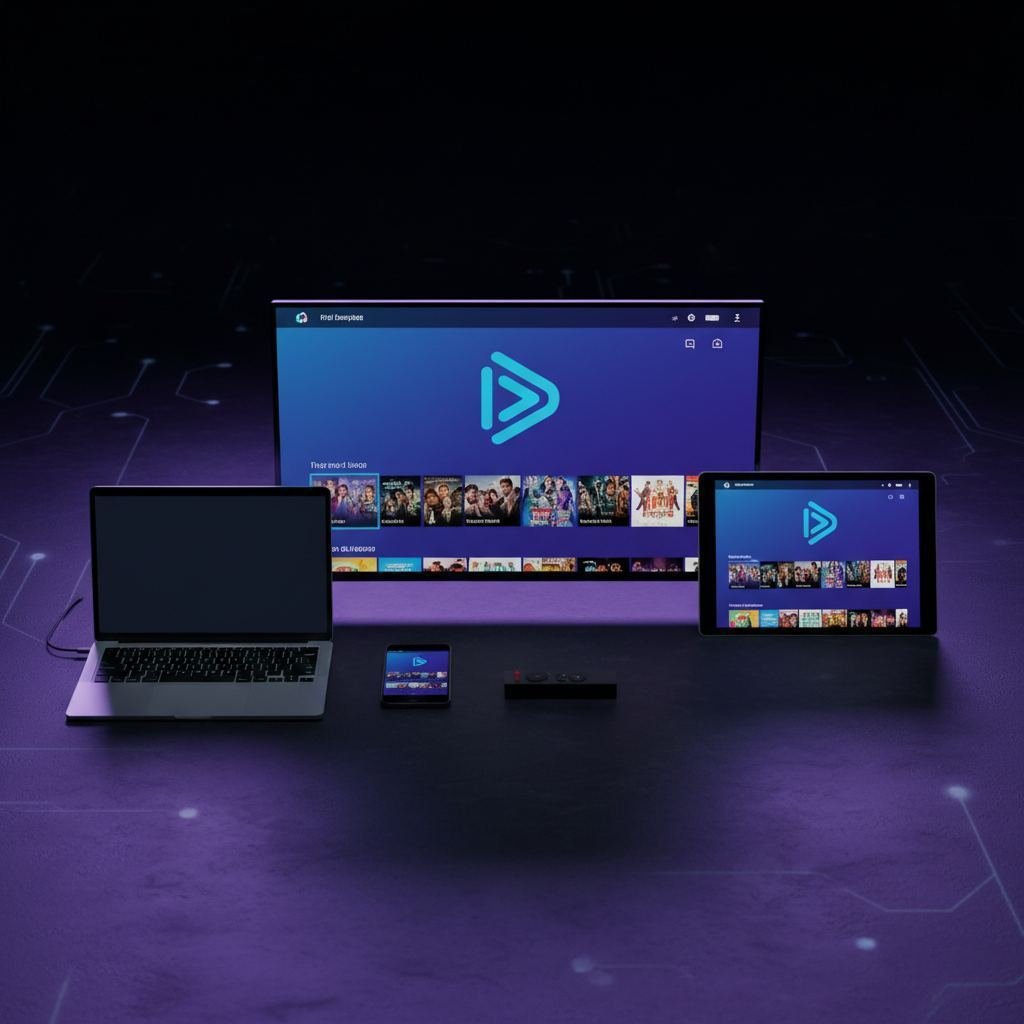
GSE Smart IPTV: Complete Installation and Setup Guide 2026
GSE Smart IPTV is one of the few truly complete players for iPhone and Mac. Learn how to download it, set it up, and use all of its features.
What is GSE Smart IPTV?
GSE Smart IPTV is a completely free, cross-platform IPTV player, known for being one of the few truly complete players on iPhone, iPad and Mac — platforms where choice is often limited. The app supports an unlimited number of M3U playlists as well as the Xtream Codes API, with smooth 4K HDR playback and optimised hardware decoding.
Like TiviMate or IPTV Smarters Pro, GSE Smart IPTV is just a player: it does not provide any channels on its own. You need an active IPTV subscription and add your M3U URL or Xtream Codes credentials to it.
Which devices does GSE Smart IPTV work on?
- iPhone and iPad: one of the best players available on iOS
- Mac: native macOS version, rare among IPTV players
- Android: smartphones, tablets and Android TV Box
- Amazon Firestick and Fire TV Cube
- Smart TV: compatible with several models via third-party apps
How to download GSE Smart IPTV
On iPhone and iPad
Open the App Store, search for "GSE Smart IPTV" and install the free app. No sign-up is required to get started.
On Android and Firestick
Search for "GSE Smart IPTV" on the Google Play Store or Amazon Appstore. For Firestick, the Downloader app also lets you install the APK directly if it isn't available in your region.
On Mac
Download the macOS version from the Mac App Store by searching for "GSE Smart IPTV".
How to set up GSE Smart IPTV with your subscription
Method 1: M3U URL
- Open GSE Smart IPTV and go to "Settings" then "Remote Playlist"
- Add a new playlist and paste the M3U URL received by email
- Name the playlist (e.g. "IPTV Max Nordic") and save
- Return to the home screen: your channels will load automatically
Method 2: Xtream Codes API
- Under "Remote Playlist", choose the "Xtream-Codes API" type
- Enter the server URL, your username and password
- Channels and the EPG guide sync automatically
Key features
- Unlimited M3U playlists: manage several subscriptions in one app
- Programme guide (EPG): detailed schedule per channel
- 4K HDR playback: hardware decoding for stable streaming
- Favourites: easily organise your preferred channels
- Chromecast: stream directly to your TV
- Parental controls: restrict access to adult content
Why use IPTV Max Nordic with GSE Smart IPTV?
IPTV Max Nordic is fully compatible with GSE Smart IPTV via M3U and Xtream Codes. Your subscription includes:
- 35,000+ live channels: SVT, TV2, Viaplay, C More, Nordic sport and more
- 80,000+ VOD titles updated weekly
- Full EPG, compatible with GSE's guide
- 4K, Full HD and HD quality
- 24/7 technical support
- Free 24-hour trial with no credit card
Frequently asked questions
Is GSE Smart IPTV really free?
Yes, the app is free to download and use. You only pay for your IPTV subscription separately.
Does GSE Smart IPTV work on Apple TV?
It's mainly optimised for iPhone, iPad and Mac. For a dedicated Apple TV experience, IPTV Smarters Pro remains an alternative worth considering.
Do I need a VPN?
No, our service does not require a VPN.
Author
Published